
Kegwatch
Keep every app on your Mac up to date — from one place.
⬇︎ Download for macOSbrew install --cask replikduplik/tap/kegwatch
Everything that needs updating, in one list
One place for every update
Homebrew, Cask, Mac App Store, and Sparkle/Electron feeds in a single list.
Move to Homebrew
Hand a manually-downloaded app to Homebrew — if a cask exists — without reinstalling. Future updates then show up automatically.
Install new apps
Browse popular picks or search Homebrew, and install right from Kegwatch.
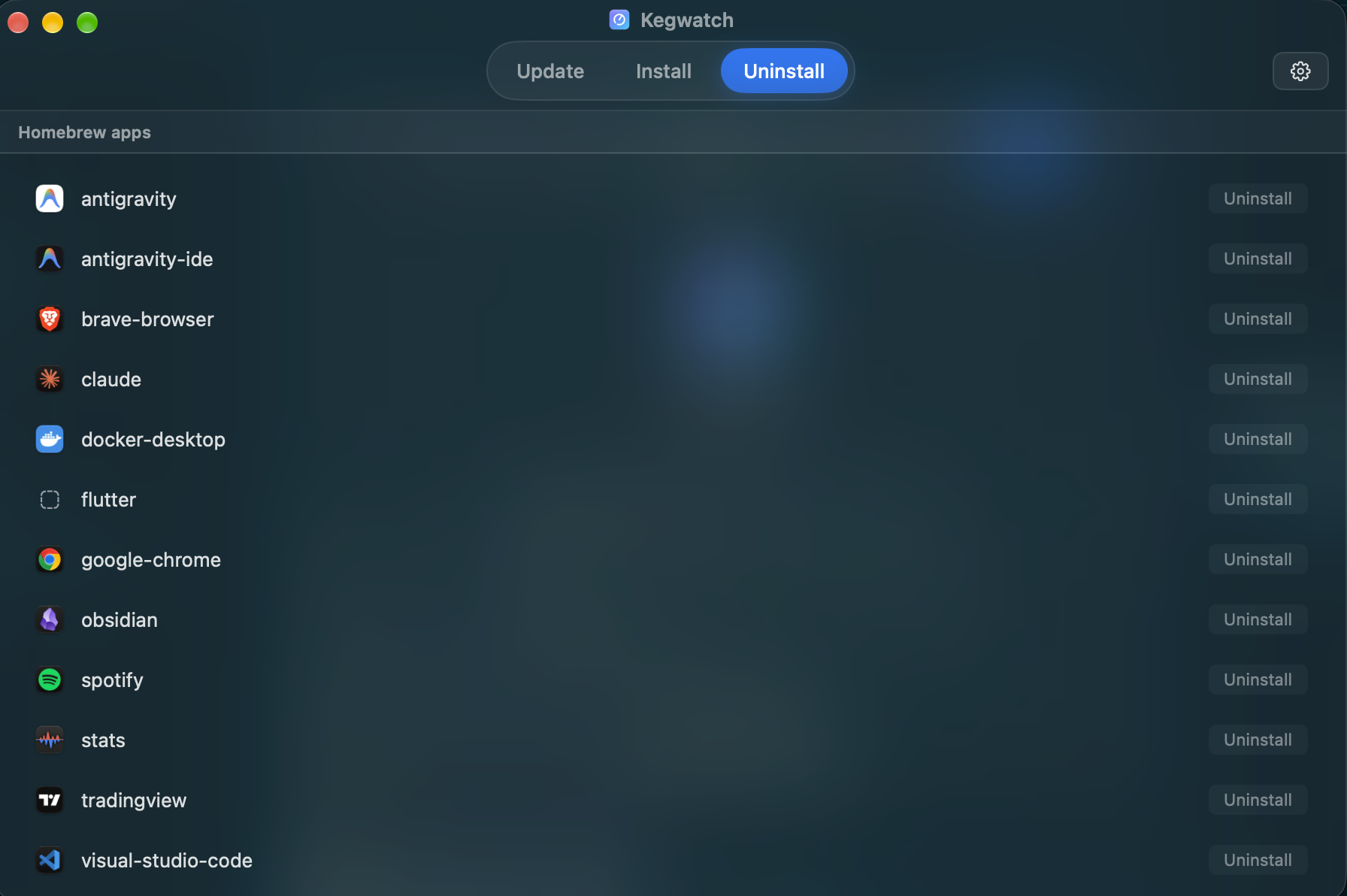
Clean uninstall
Remove an app and its leftovers for good — Homebrew casks with a full cleanup, or hand-installed apps scanned and sent to the Trash.
Automatic scans
On launch, every few hours, daily, or a custom schedule — with notifications when updates are found.
Automatic updates
Optionally let Kegwatch install updates for you after each scan, skipping anything that needs a password.
Menu bar
See pending updates at a glance, without opening the app.
Update history
See everything you've updated, with a running “N updates this month” summary.
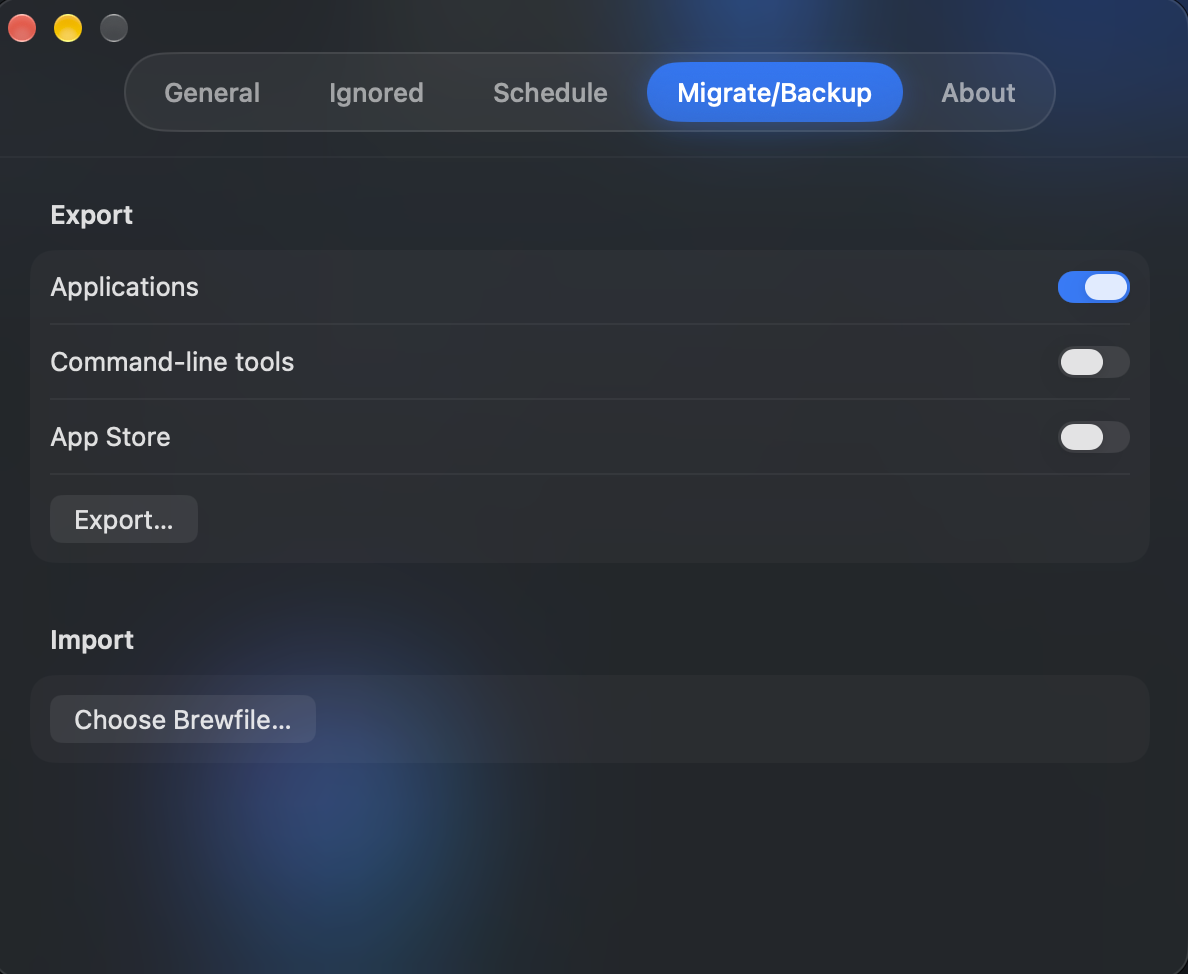
Migrate & back up
Export your apps to a Brewfile and reinstall them all on another Mac.
Self-updating
Kegwatch keeps itself up to date.
See it in action



How it works
Find what's outdated
Checks Homebrew, Cask, the Mac App Store, and app update feeds.
One-click upgrades
Install updates in one click. App Store items open the App Store's Updates page.
Never update by hand
Move hand-installed apps under Homebrew, so they update with everything else.
Buy me a beer 🍺
Kegwatch is free and always will be. If it saved you some time, a beer helps keep it brewing.
bc1qttg0tw3lq6ugl2m5gqk3eqdekryzcxl3495cpk
0xa1D07735075B001F0B1dc15e85D0f36a83b3590f
Card & Apple Pay coming soon.